

Inspector UI
Browse routes visually with the web inspector.
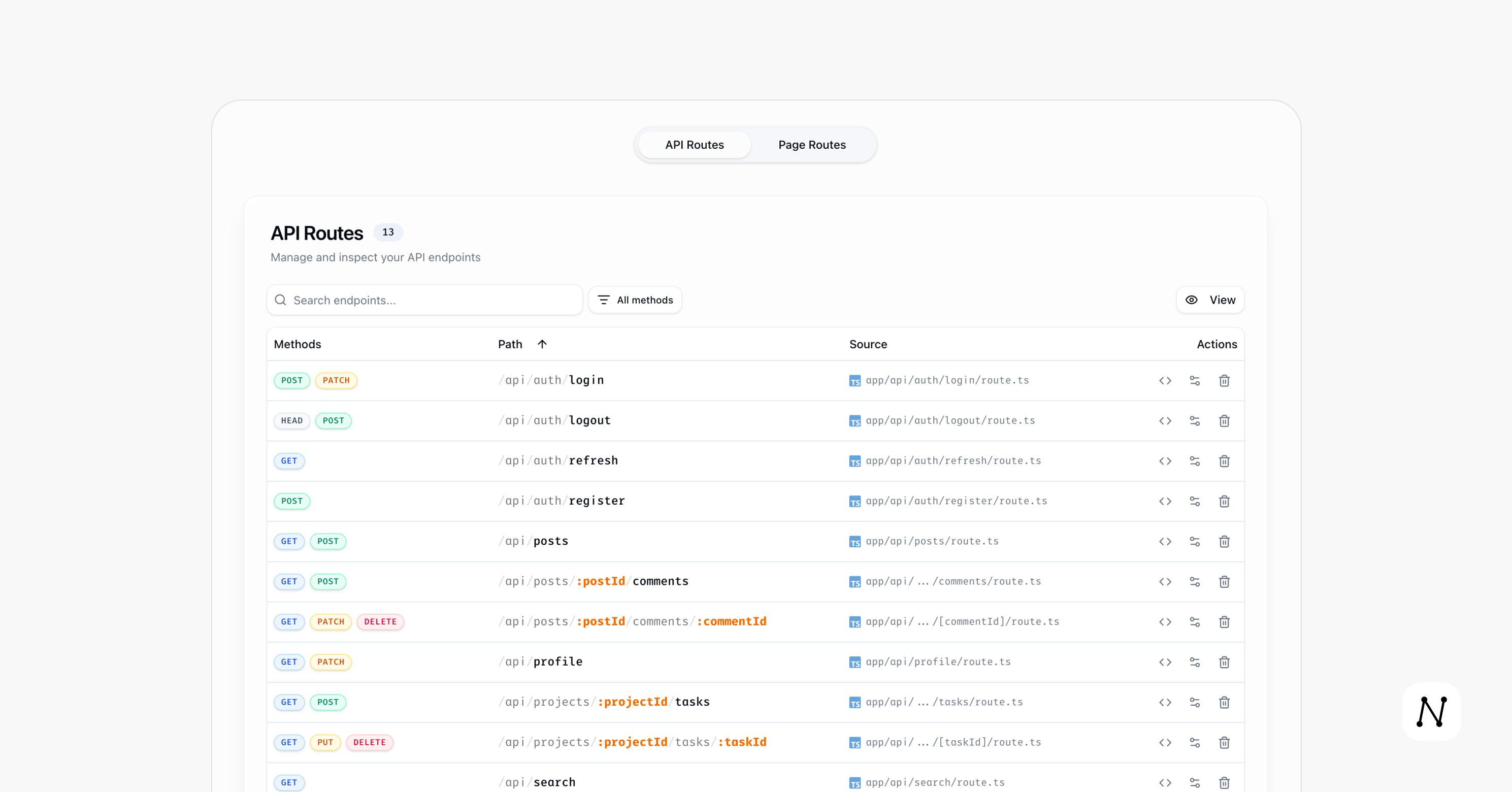
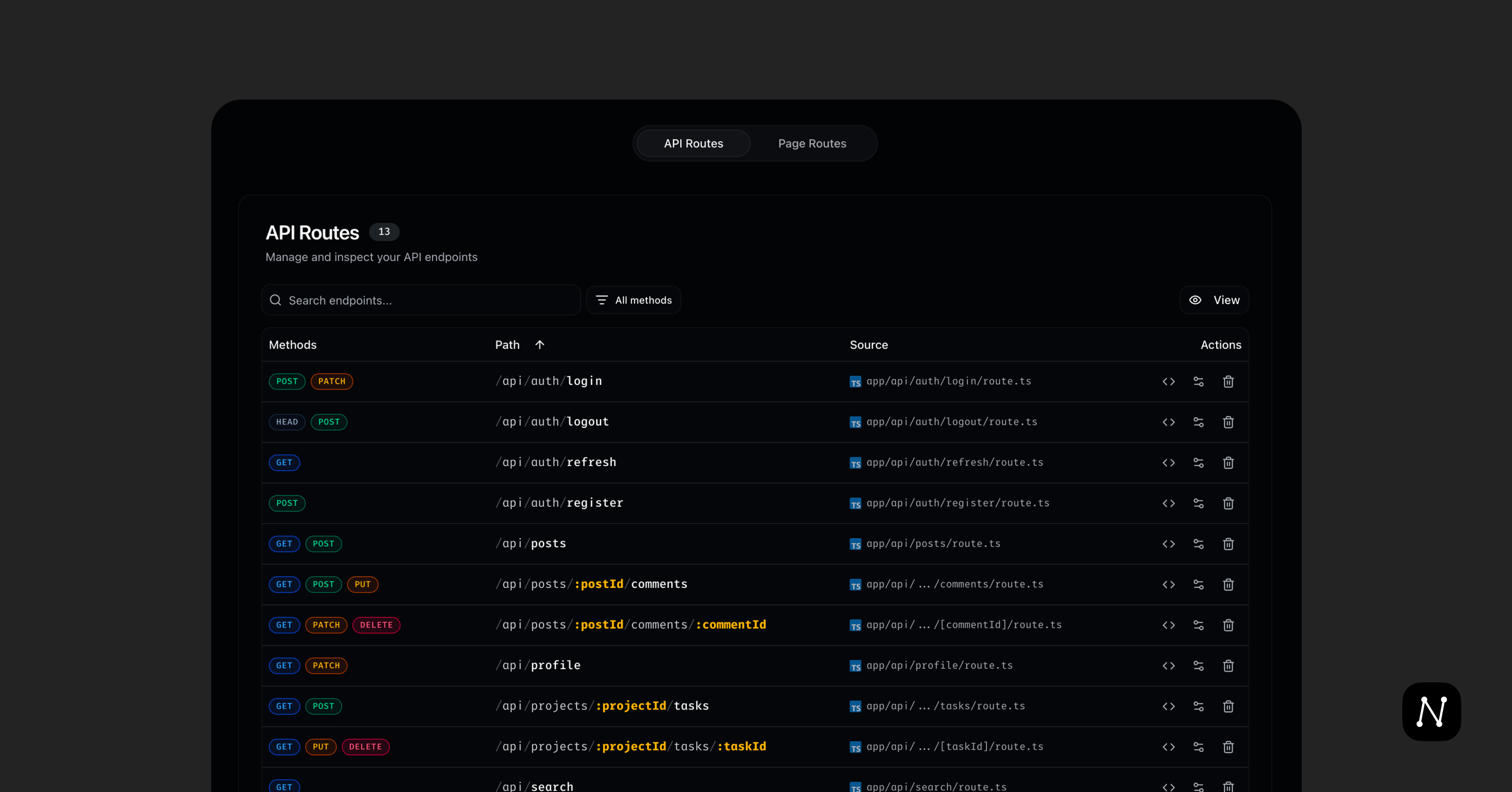
next-lens web runs a local server that visualizes App Router pages and API
routes in a browser.
Features
- Search and filter routes across your project.
- Add or remove HTTP methods on an API route.
- Open a route's source file directly in your IDE.
Start the inspector
npx next-lens web [target-directory]- Defaults to the current directory.
- Opens
http://localhost:9453by default (pass--no-opento skip).
Options
-p, --port <port>— server port (default9453).--no-open— do not auto-open the browser.
Static Build
Generate a readonly snapshot of the inspector to share or host:
npx next-lens web:build [target-directory]This creates a .next-lens directory containing a static site with your route data embedded. The static version is readonly — editing, deleting, and IDE integration are disabled.
Options
-o, --output <path>— output directory (default.next-lens).
Serve the static build
Use any static file server:
npx serve .next-lensThe static snapshot shows a "Static Snapshot" badge and the generation timestamp in the header.