Raycast Extension
Browse and search routes directly from Raycast.
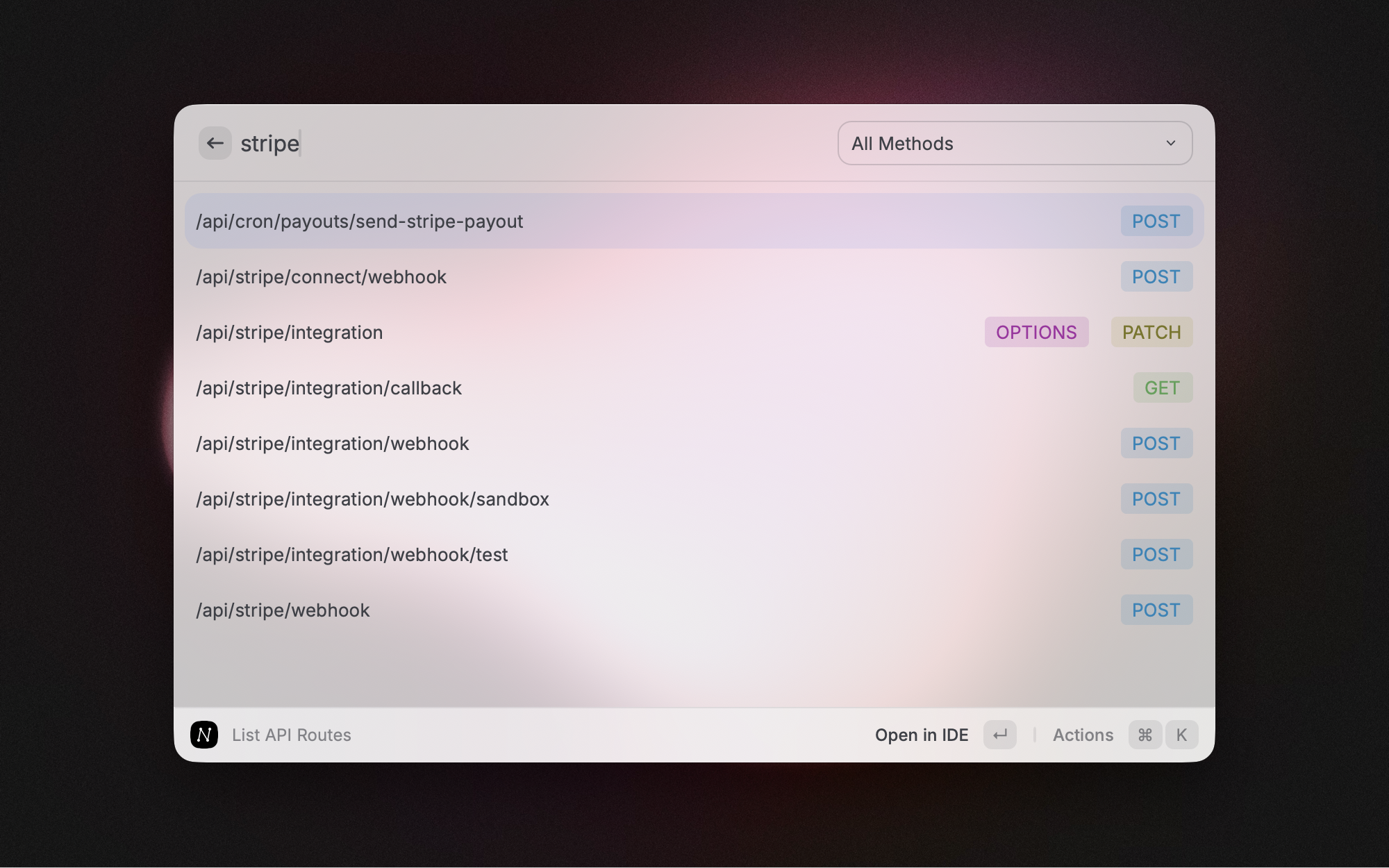
The Raycast extension lets you search and browse your Next.js App Router routes directly from Raycast.

Start the API server
The Raycast extension requires a local API server to fetch route data. Start it with:
npx next-lens raycast [target-directory]This launches a headless API server and automatically opens the Raycast extension.
Options
-p, --port <port>— server port (default9453).
How it works
- Run
next-lens raycastin your Next.js project. - The CLI starts an API server exposing route data.
- Raycast extension connects to
http://localhost:9453/api. - Search and browse routes directly from Raycast.
The server runs until you press Ctrl+C.